AI Demo 手册
运行 AI Demo
下载 Demo 文件
打开网盘到 1.通用资料 -> 1.4-Demo ,把 1.4-Demo 目录下载到 U 盘(提示:这个目录有 2GB 左右,建议使用 USB 3.0 的 U 盘)。
下载完成后,把 U 盘插入开发板。
把 U 盘挂载到文件系统。
mount /dev/sda1 /mnt
复制 1.4-Demo 到开发板,参考命令如下:
cp /mnt/1.4-Demo ~
解压 Demo 文件
把 1.4-Demo 里的 libtvm_runtime.so 复制到开发板,参考命令如下:
cp ~/1.4-Demo/libtvm_runtime.so /usr/lib64/

**注意**:`libtvm_runtime.so` 需要放到 `/usr/lib64/` 目录下。
解压 1.4-Demo 里的 rzv_ai_apps_v520_bin.tar.gz 到开发板,参考命令如下:
tar zxf ~/1.4-Demo/rzv_ai_apps_v520_bin.tar.gz -C ~
解压 1.4-Demo 里的 rzv_ai_apps_v520_lib.tar.gz ,参考命令如下:
tar zxf ~/1.4-Demo/rzv_ai_apps_v520_lib.tar.gz -C ~
运行 Demo 应用
运行 Demo 脚本
~/1.4-Demo/rzv_ai_apps_v520.sh
这里会提示输入要运行的 Demo 序号,类似如下:
1) 01_Head_count
2) 02_Line_crossing_object_counting
3) 03_Elderly_fall_detection
4) 04_Safety_helmet_vest_detection
5) 05_Age_gender_detection
6) 07_Animal_detection
7) 09_Human_gaze_detection
8) 10_Driver_monitoring_system
9) 11_Head_count_topview
10) 12_Hand_gesture_recognition_v2
11) 13_Car_ahead_departure_detection
12) 14_Multi_camera_vehicle_detection
13) 15_Road_lane_segmentation
请输入要运行的编号:
这时输入你想要运行的 Demo 的序号并按 Enter,这时会输入程序的运行 Log,参考如下:
请输入要运行的编号:1
运行程序:head_count_app USB
Starting Head Count Application
[10:56:52] /drp-ai_tvm/tutorials/now/01_Head_count/src/MeraDrpRuntimeWrapper.cpp:73: Loading json data...
[10:56:52] /drp-ai_tvm/tutorials/now/01_Head_count/src/MeraDrpRuntimeWrapper.cpp:91: Loading runtime module...
[10:56:54] /drp-ai_tvm/tutorials/now/01_Head_count/src/MeraDrpRuntimeWrapper.cpp:96: Loading parameters...
[INFO] loaded runtime model :head_count_yolov3

[INFO] USB CAMERA
Key Hit Thread Starting
************************************************
* Press ENTER key to quit. *
************************************************
Main Loop Starts
[10:56:56] /drp-ai_tvm/tutorials/now/01_Head_count/src/MeraDrpRuntimeWrapper.cpp:112: Loading input...
[10:56:56] /drp-ai_tvm/tutorials/now/01_Head_count/src/MeraDrpRuntimeWrapper.cpp:112: Loading input...
Demo 说明
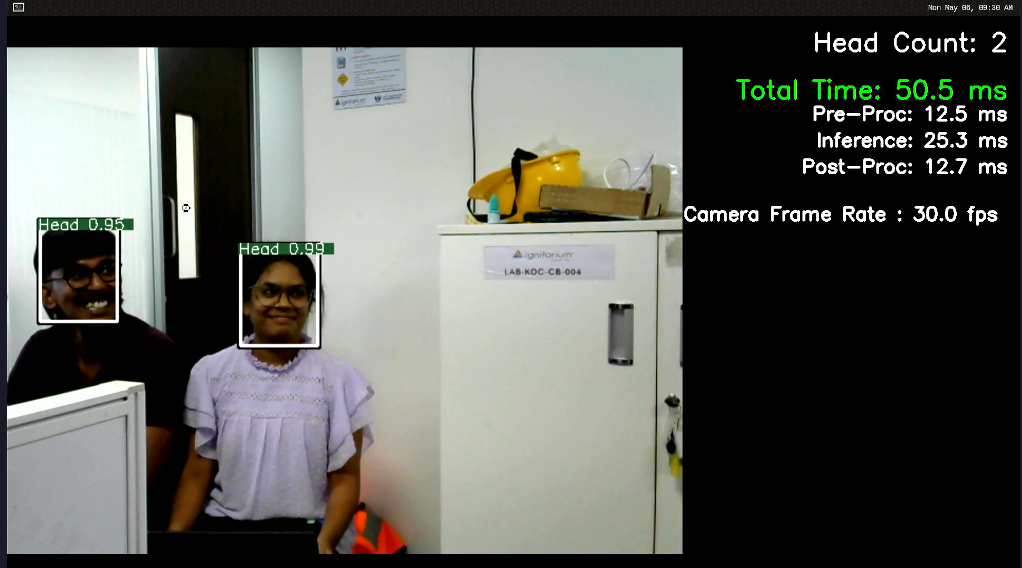
01_Head_count
这个 Demo 程序时,可以统计摄像头画图中人体头部的数量。使用的 AI 模型是 YOLOV3。
02_Line_crossing_object_counting
这个 Demo 程序运行时,当对象穿过程序绘制的虚拟线时,会进行计数。使用的 AI 模型是 YOLOV3。
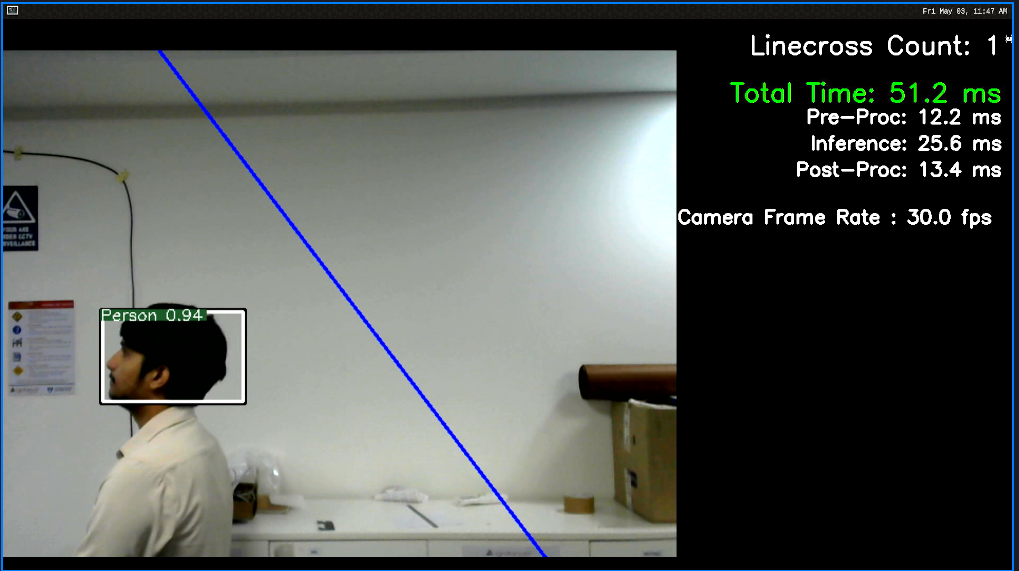
这个 Demo 程序暂时不能通过脚本运行,需要手动带参数运行,示例如下:
cd rzv_ai_apps-5.20/02_Line_crossing_object_counting/exe_v2h/
./line_crossing_app USB person 150 0 950 1050 1
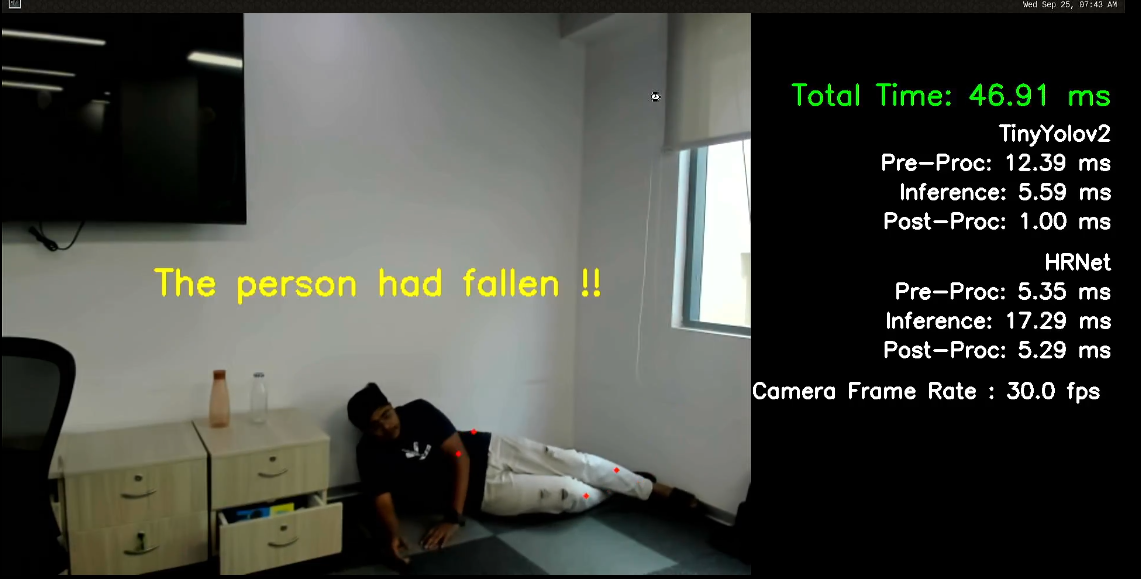
03_Elderly_fall_detection
这个 Demo 程序运行时,可以检测来自摄像头的输入视频中的跌倒事件。使用的 AI 模型是 TINYYOLOV2 ,HRNet。
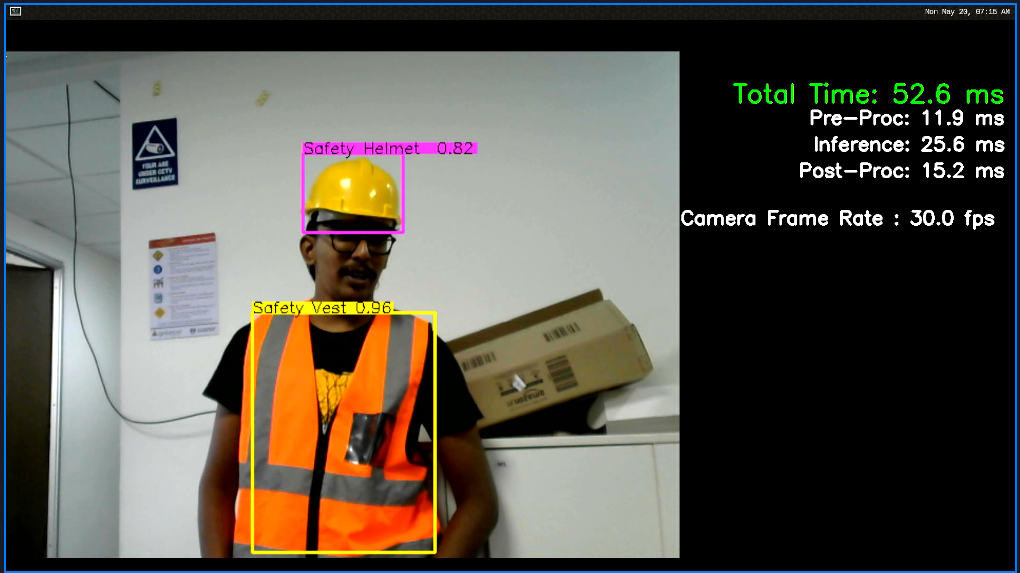
04_Safety_helmet_vest_detection
这个 Demo 程序运行时,可以检测图像中存在的安全帽和背心。使用的 AI 模型是 YOLOV3。
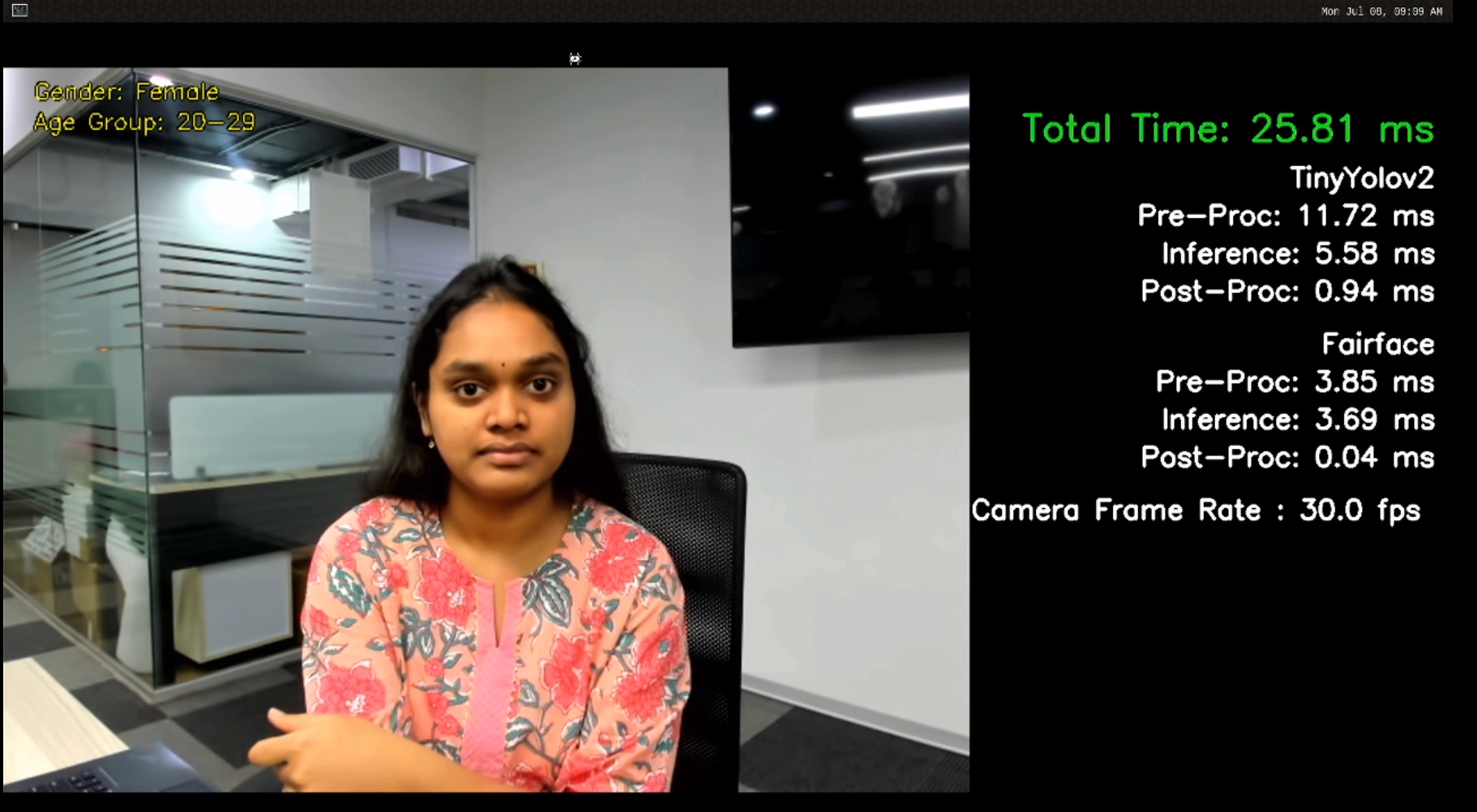
05_Age_gender_detection
这个 Demo 程序运行时,可以预测个人的年龄范围和检测个人性别的能力。使用的 AI 模型是 TINYYOLOV2 ,FairFace。
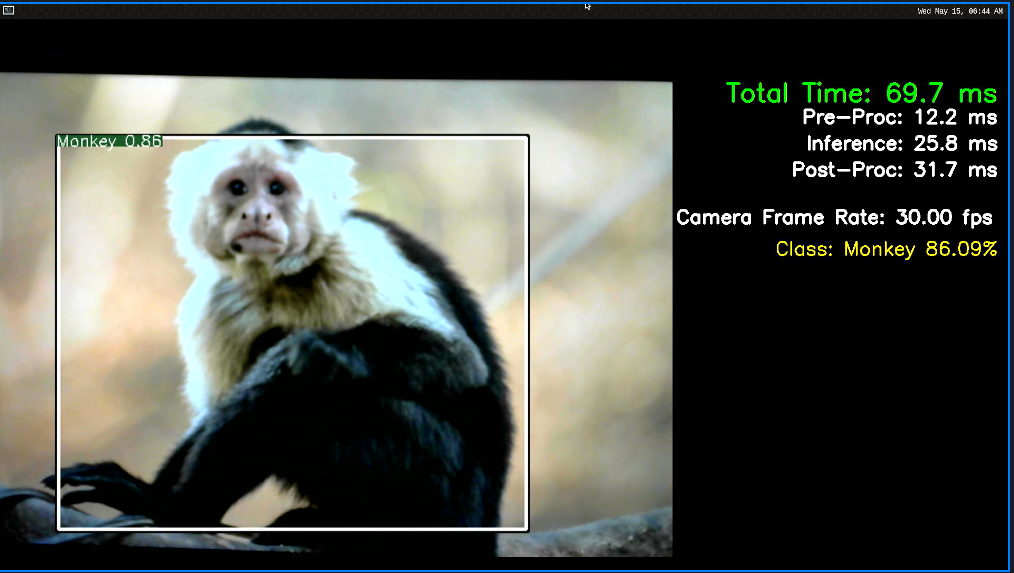
07_Animal_detection
这个 Demo 程序运行时,可以检测相机输入中的特定动物分类。使用的 AI 模型是 YOLOV3。
分类 |
动物 |
分类 |
动物 |
|---|---|---|---|
1 |
野猪 |
7 |
狐狸 |
2 |
鹿 |
8 |
黄鼠狼 |
3 |
乌鸦 |
9 |
臭鼬 |
4 |
猴子 |
10 |
狗 |
5 |
熊 |
11 |
猫 |
6 |
浣熊 |
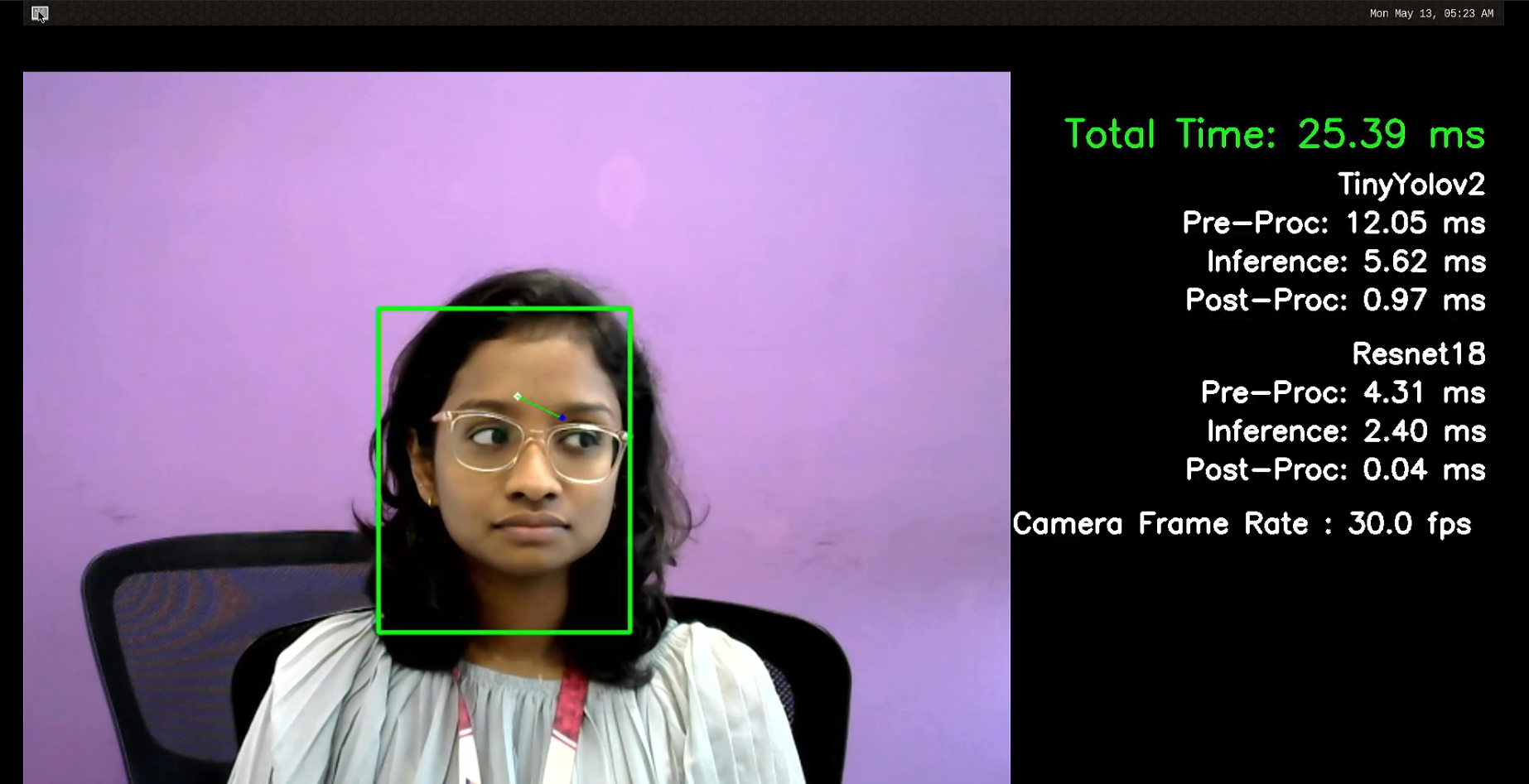
09_Human_gaze_detection
这个 Demo 程序运行时,可以检测个人的视线。使用的 AI 模型是 TINYYOLOV2 ,ResNet18。
10_Driver_monitoring_system
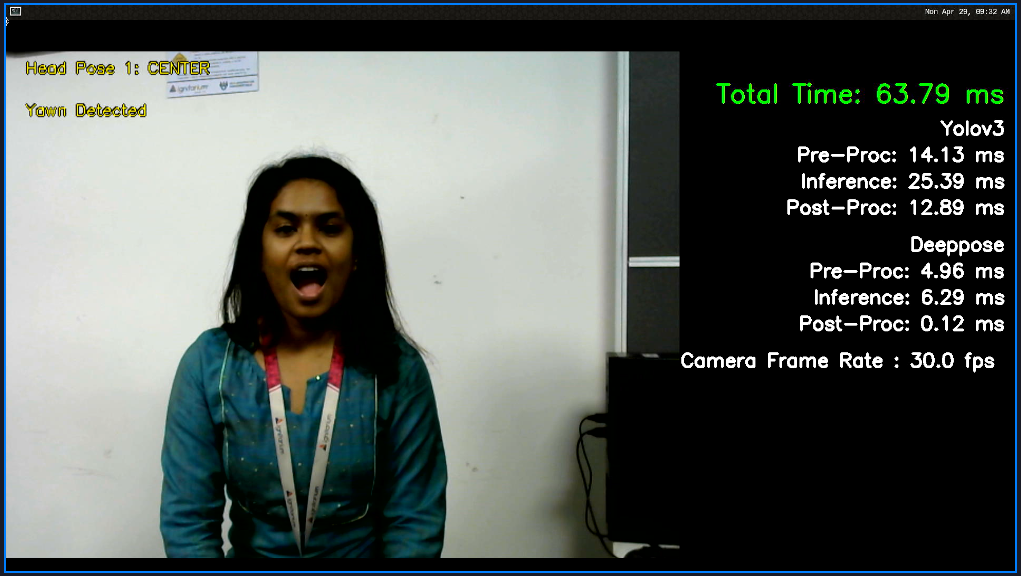
这个 Demo 程序运行时,可以识别驾驶员的注意力。包括驾驶员头部姿势检测(左、右和中头部姿势)、眨眼检测和打哈欠检测。使用的 AI 模型是 YOLOV3 ,DeepPose。
11_Head_count_topview
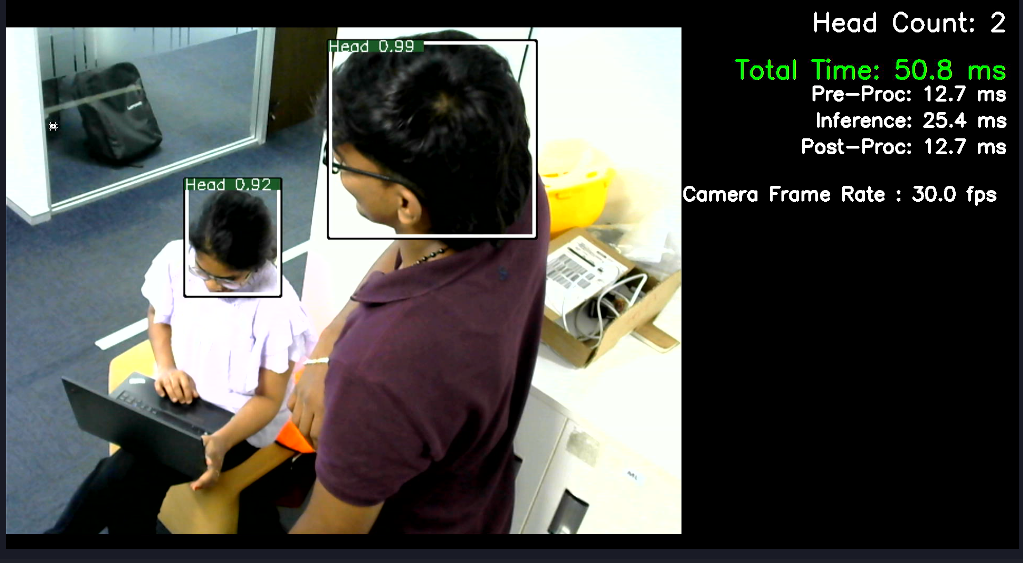
这个 Demo 程序运行时,可以从摄像头输入计算视频中存在的人体头部数量。 使用的 AI 模型是 YOLOV3。
12_Hand_gesture_recognition_v2
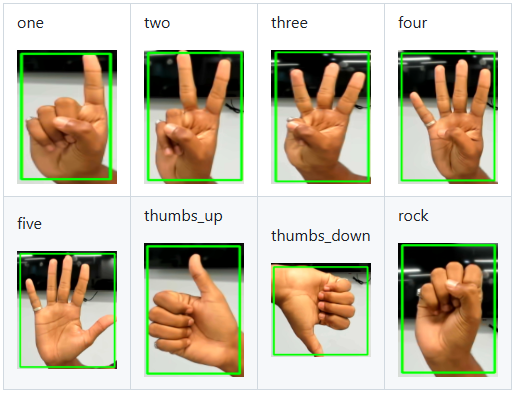
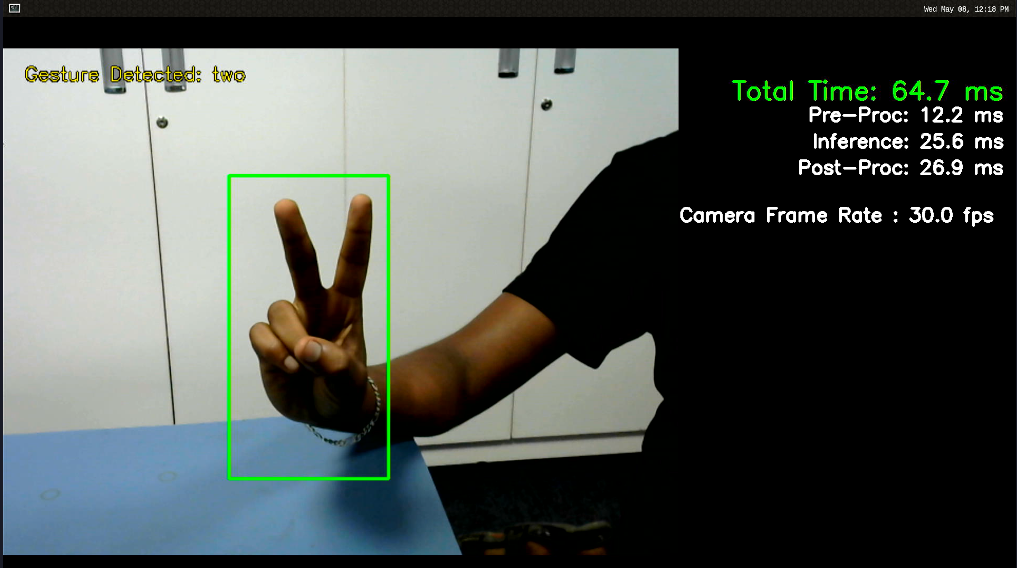
这个 Demo 程序运行时,可以检测不同手势。它总共检测 8 种手势,包括 1、2、3、4、5、竖起大拇指、竖起大拇指和手中的摇晃。使用的 AI 模型是 YOLOV3。
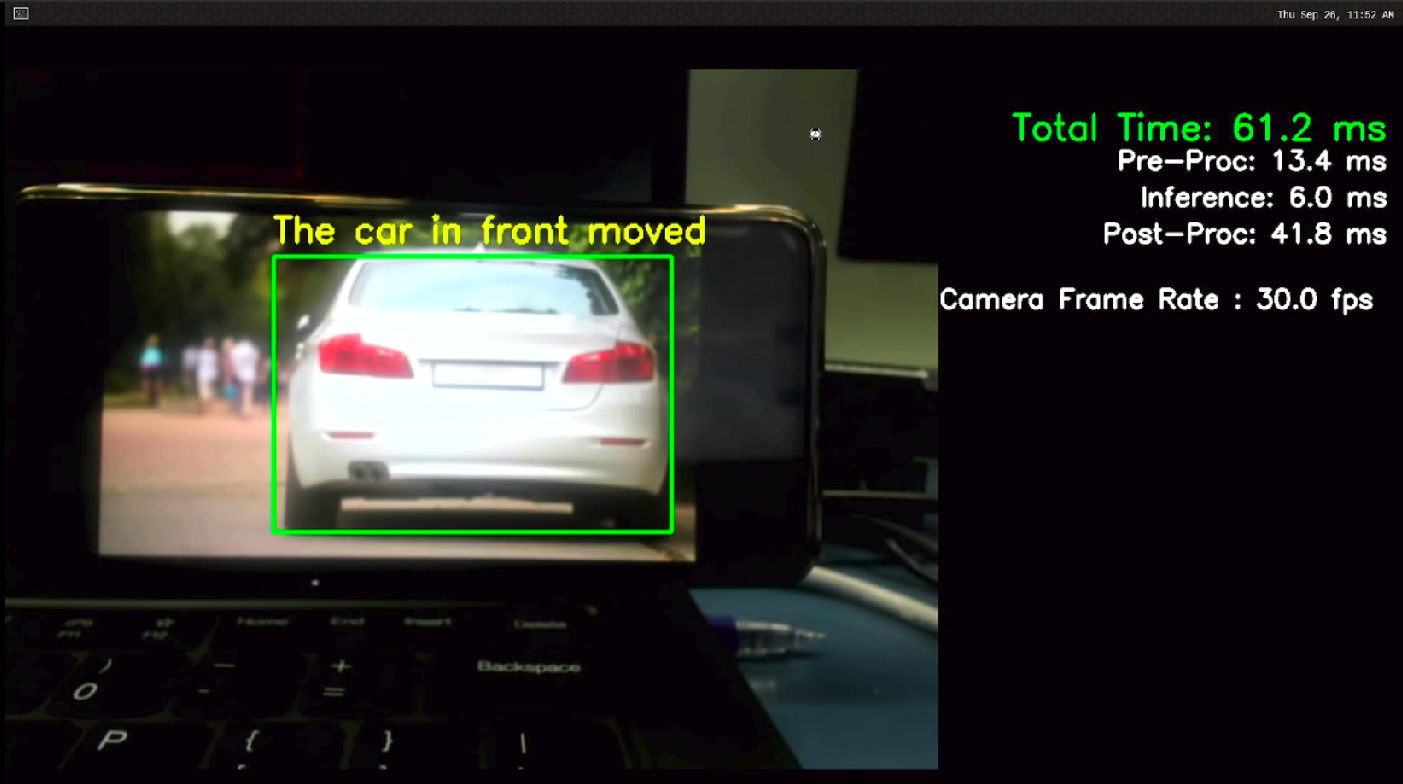
13_Car_ahead_departure_detection
这个 Demo 程序运行时,可以检测车辆并跟踪对象。使用的 AI 模型是 TINY YOLOV3。
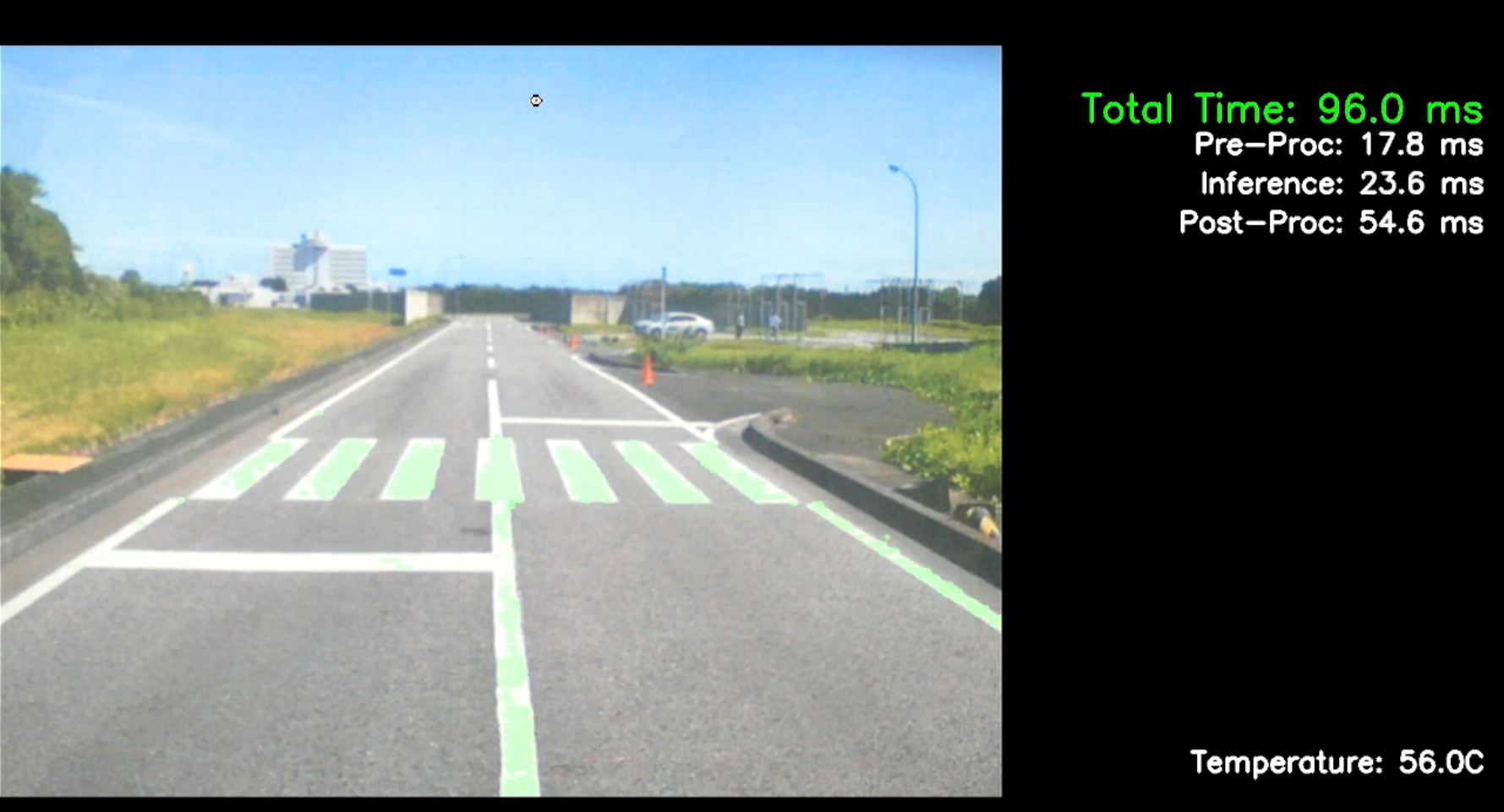
15_Road_lane_segmentation
这个 Demo 程序运行时,可以从摄像机输入对视频中的道路车道进行分段,并在车道上生成遮罩叠加层。 使用的 AI 模型是 Unet。